Show the output, not the source
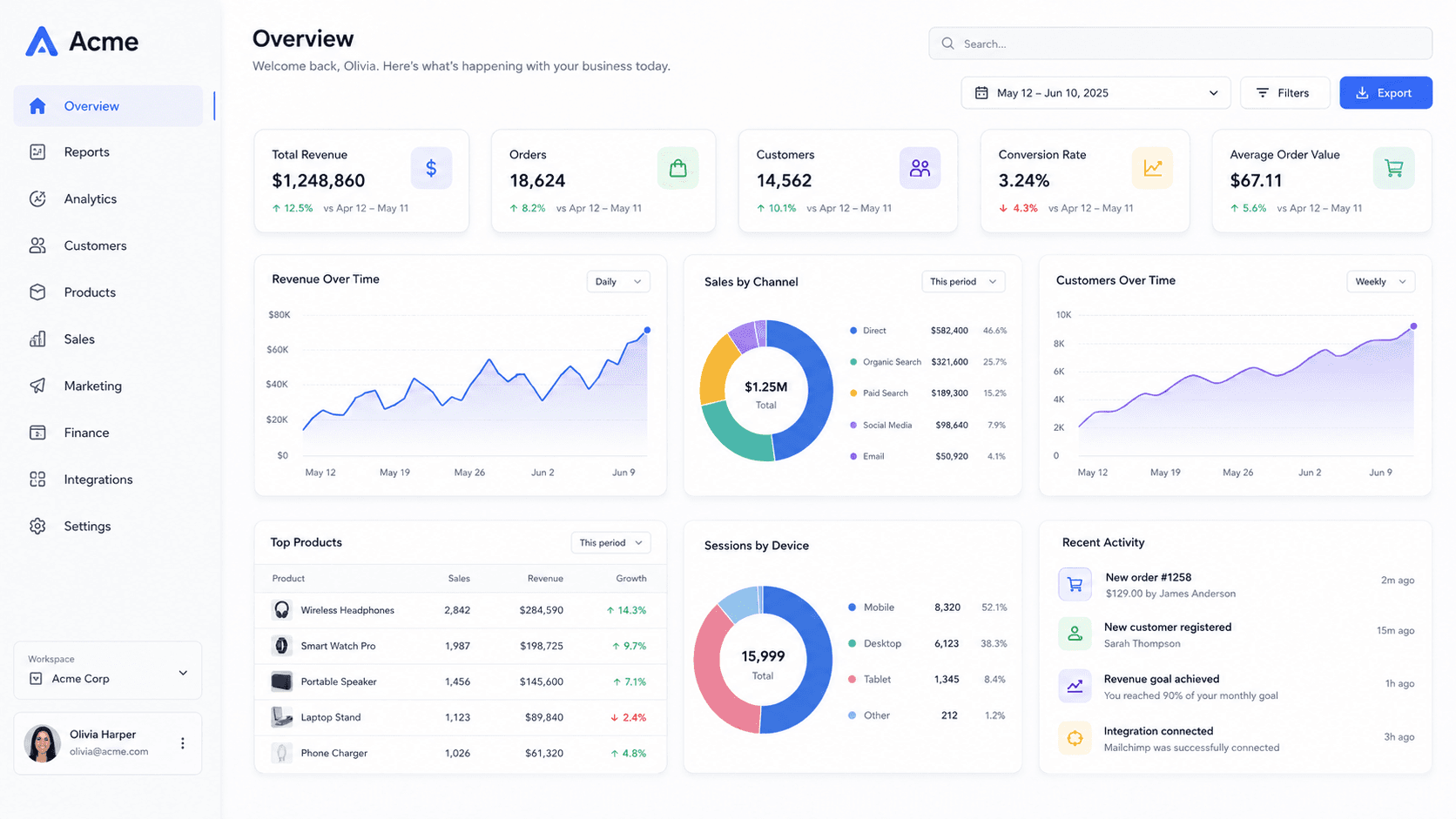
The instinct is to screenshot the code. Code at card size is a grey texture. What travels is the thing the code produces — the UI, the chart, the terminal session with recognisable output.
A terminal window makes a good subject here: high contrast, large type, and a shape people recognise instantly at small sizes.
2:1 is wider than it looks
At 1280 × 640 there is room for a full landscape screenshot with margin, unlike an X header. A gentle tilt and a dark background is usually all it needs — the card is small on screen and detail is wasted.
Dark backgrounds are worth defaulting to here. Repository links get posted into developer tools — Slack, Discord, terminals-adjacent places — where most people are in dark mode, and a white card is a flashbang in a dark channel.
One image, every repository
If you maintain several repositories, the preview is a chance to make them look like a family: the same background, the same angle, the same light, with only the screenshot changing.
That is a two-minute job here because a style is a complete scene rather than a set of sliders you have to match by eye. Apply the same one to each, swap the screenshot, export at 1280 × 640.
It also makes an abandoned-looking repository look maintained, which is not nothing when someone is deciding whether to depend on it.
Common questions
- What size is a GitHub social preview?
- 1280 × 640, a 2:1 ratio, under 1 MB. Upload it in the repository's settings under Social preview.
- Why is the old image still showing?
- Link previews are cached by whoever is rendering them, not by GitHub. Re-fetch in that platform's debugger, or wait it out.