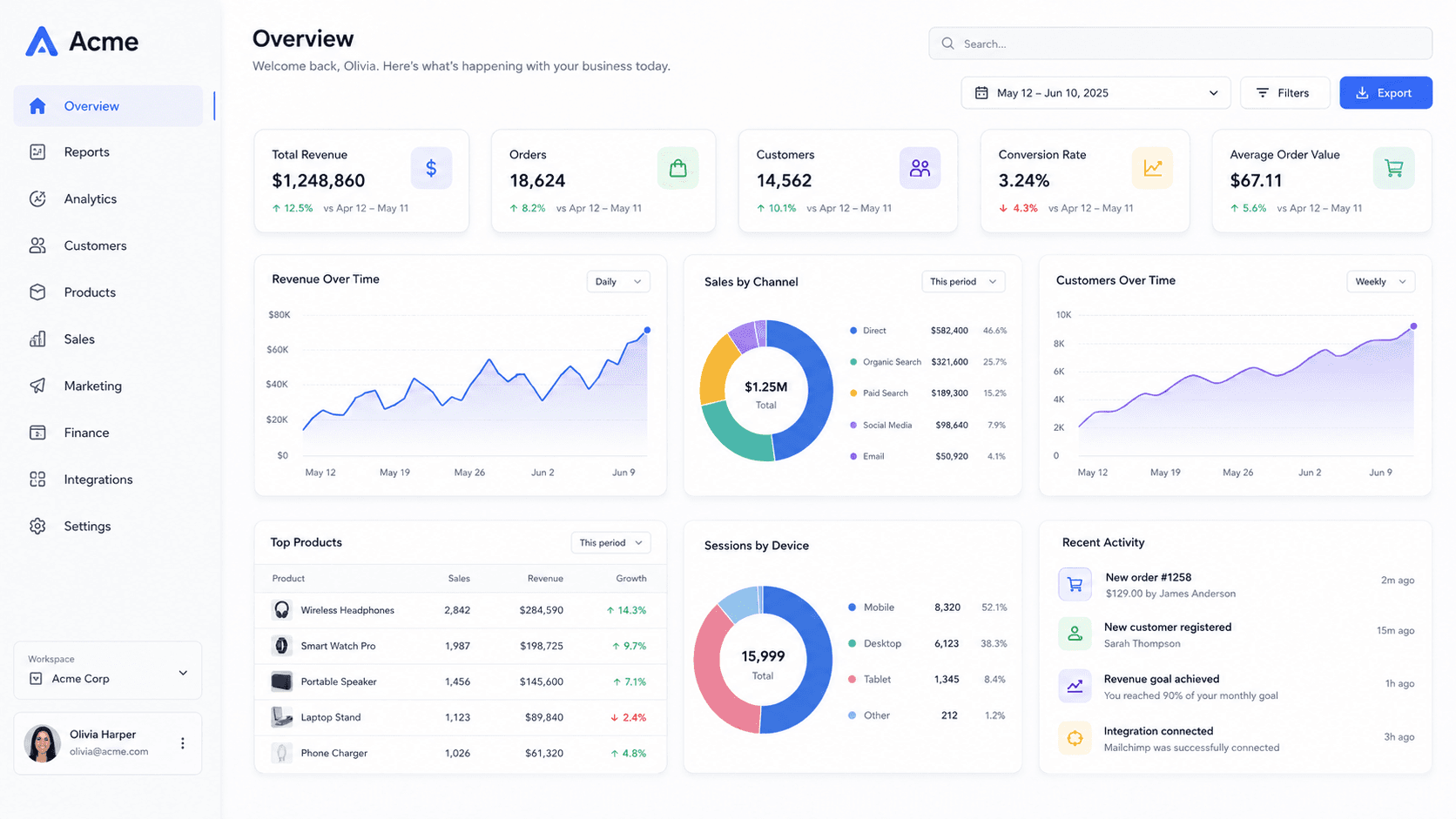
Stop fighting the aspect ratio
A 16:9 screenshot placed in a 4:5 frame leaves two grey bands, and cropping it loses the parts that made it worth posting.
Tilting solves this better than cropping. A screenshot turned in 3D occupies a diagonal, which fills a tall frame naturally, and the background carries the corners. The phone frame is the other answer when the content suits it.
Square, portrait or story
Portrait at 1080 × 1350 takes the most vertical space in the feed per post, which is the whole game on a scrolling network — a square post gives up about a fifth of that height for nothing.
Square is still the right pick when the image will also appear in a grid, since the profile grid crops to squares regardless. Stories and Reels are a different job entirely: full screen, seen for two seconds, and usually with a sticker over part of them.
Stories have furniture too
The top of a story holds the avatar and progress bars; the bottom holds the reply field and any sticker you add. Roughly the middle two thirds is yours.
Export at 1080 × 1920 and keep the mockup in that middle band.
It is worth exporting a story version even when the post is the main event: the story is where people tap through, and reframing an existing scene at a new size takes one dropdown rather than a new composition.
Common questions
- What size is an Instagram post?
- 1080 × 1080 square, or 1080 × 1350 for portrait. Portrait occupies more of the screen as someone scrolls, which is usually what you want.
- Can I make a Reels cover with this?
- Yes — a Reels cover is 1080 × 1920, the same as a story. Keep the subject central so the feed's square crop still works.