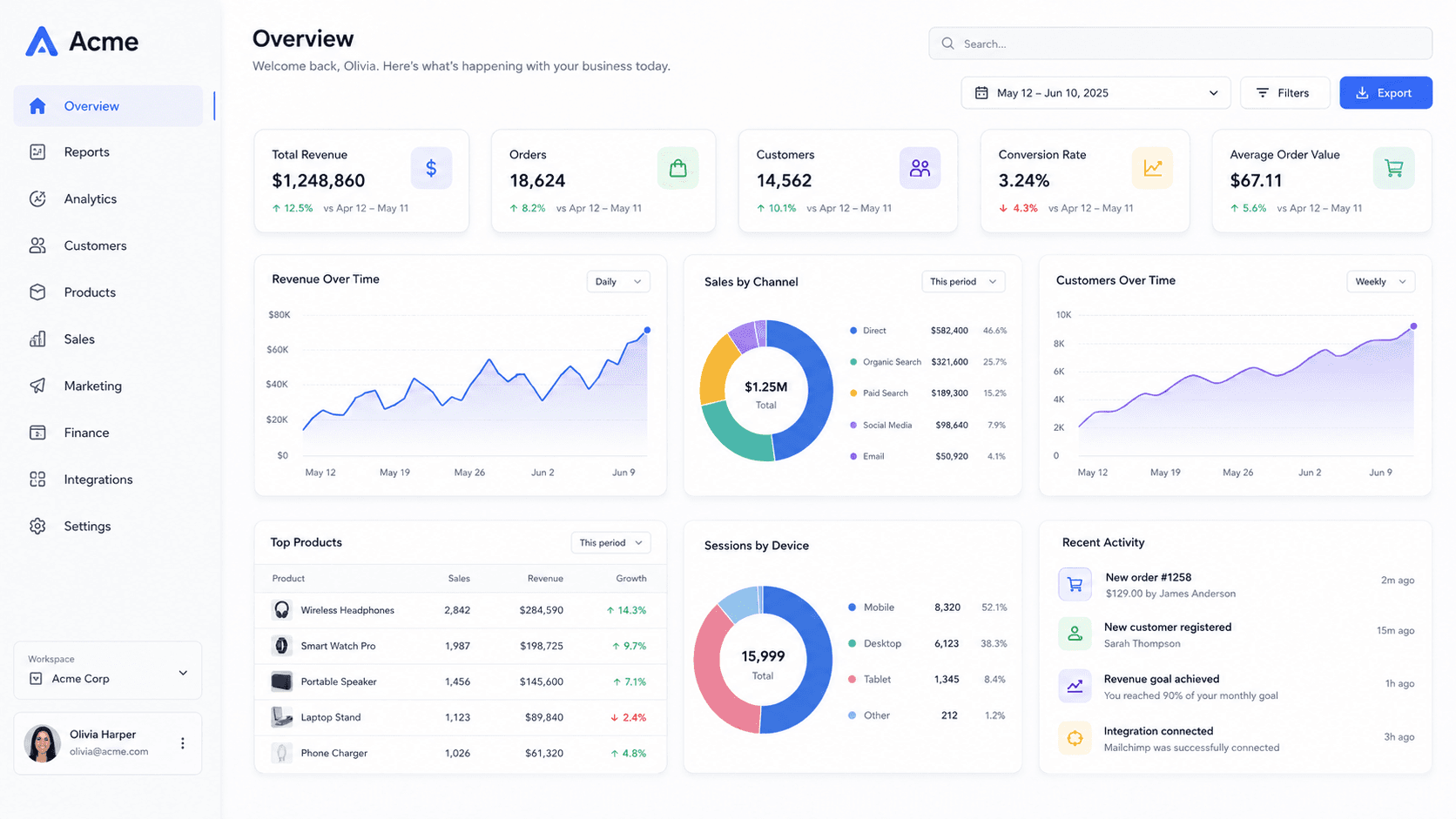
Why a screenshot beats a headline
The dominant style for OG images is a big headline on a gradient. It is fast to generate and it tells the reader nothing they did not get from the link's title, which sits directly underneath it.
A screenshot of the actual product does work the title cannot: it shows what the thing looks like. Tilted under a real camera with a soft falloff, it also survives being shrunk to a 300px card without turning into mush, because the shape reads even when the text does not.
What gets cropped
1200 × 630 is what you upload, but not always what is displayed. Slack and Discord show close to the full card. X may crop toward 2:1. Some apps fall back to a square thumbnail cut from the middle.
The safe approach is to keep the mockup roughly centred and let the background carry the edges. The focus pad in the sidebar is useful here: put the sharp region on the part of the screenshot you want readable, and let the corners fall away.
Wiring it up
Export at 1200 × 630, put the file somewhere with a stable absolute URL, and reference it from the page's head. Both og:image and twitter:image can point at the same file.
Cached previews are the usual reason a new image does not show. Most platforms expose a debugger that re-fetches the page, and changing the filename sidesteps the cache entirely.
Common questions
- What size should an Open Graph image be?
- 1200 × 630. It is the ratio Facebook documents, and the one every other major platform has converged on for link cards.
- Why is my new image not showing?
- Almost always a cached preview rather than a broken tag. Re-fetch the URL in the platform's sharing debugger, or export to a new filename.
- Can I use the same image for X and LinkedIn?
- Yes. Both read the Open Graph tags, and 1200 × 630 works on both. LinkedIn's own recommendation of 1200 × 627 is three pixels away and makes no visible difference.