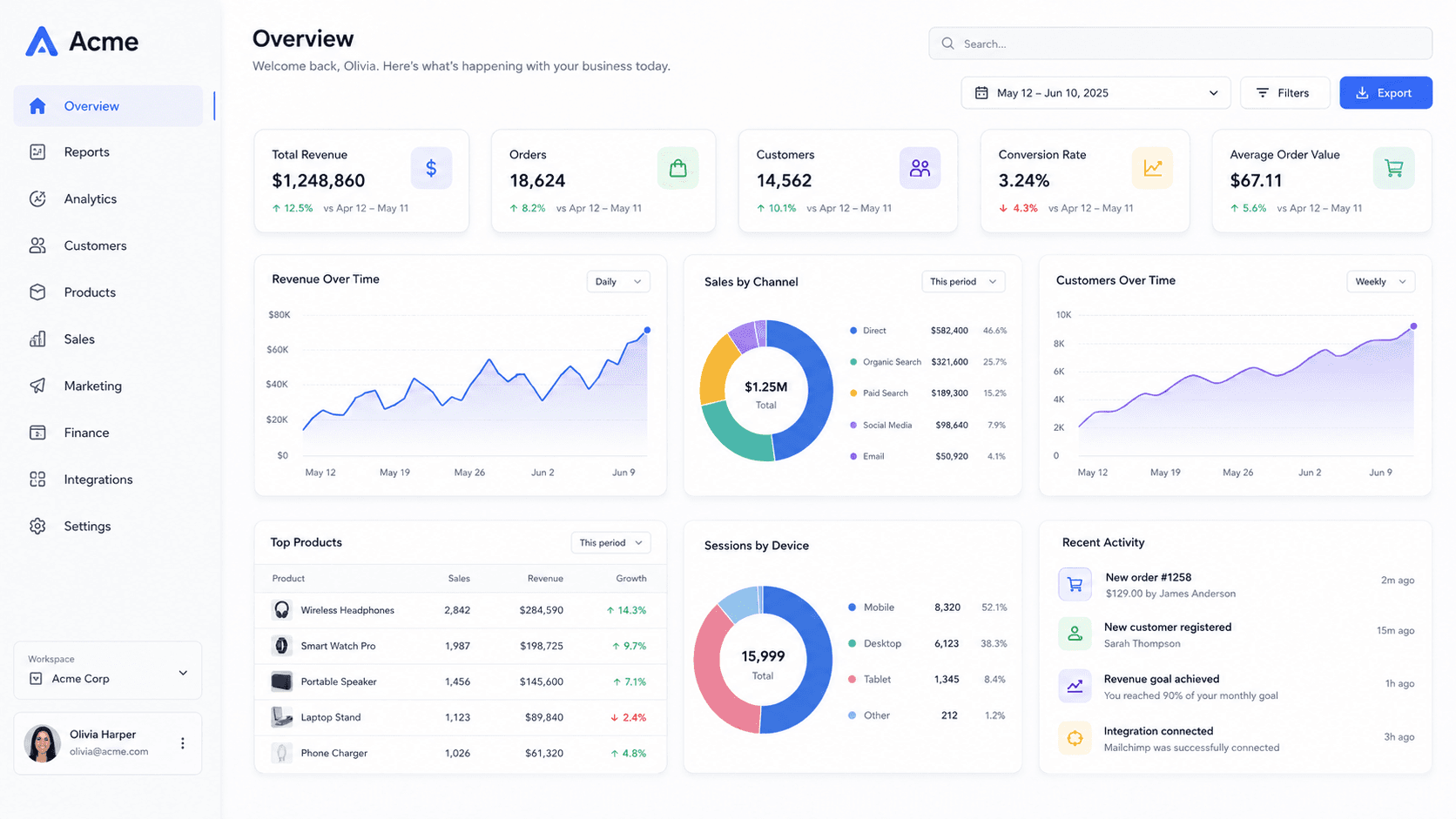
Treat it as a texture, not a message
There is not enough vertical room for a screenshot to be legible, and the overlap from the profile photo moves depending on the device. Anything specific placed anywhere can be covered.
What works is atmosphere: a tilted product surface, a strong background gradient, a soft falloff. It signals what you do without depending on a single pixel being visible.
What a 4:1 strip can actually hold
At 1584 × 396 you have about 400 pixels of height to work with, and a chunk of the left is spoken for. That is enough for one idea: a product surface running off both edges, a gradient that suggests a mood, maybe a single shape.
It is not enough for a screenshot anyone will read, a tagline and a logo. Every banner that tries reads as clutter at the size it is actually displayed, which on most screens is under 1000 pixels wide.
Zooming past the frame is the useful move here — push in until the mockup's edges leave the canvas, and let the part that remains carry a texture rather than information.
Post images are the ones that get read
The Social list also carries LinkedIn post image at 1200 × 627 — effectively the Open Graph ratio. That is the image people actually stop on in the feed, and it is worth more attention than the banner.
A banner is seen once, by someone already on your profile. A post image is seen by everyone the post reaches, at the moment they are deciding whether to slow down. If you are making one image today, make that one.
Common questions
- What size is a LinkedIn banner?
- 1584 × 396 for a personal profile. Company pages crop differently, so do not assume one file works for both.
- Why does my banner look different on my phone?
- Mobile centres the profile photo over the banner and shows a narrower slice. The safe area is the upper-right on desktop and the upper band on mobile.