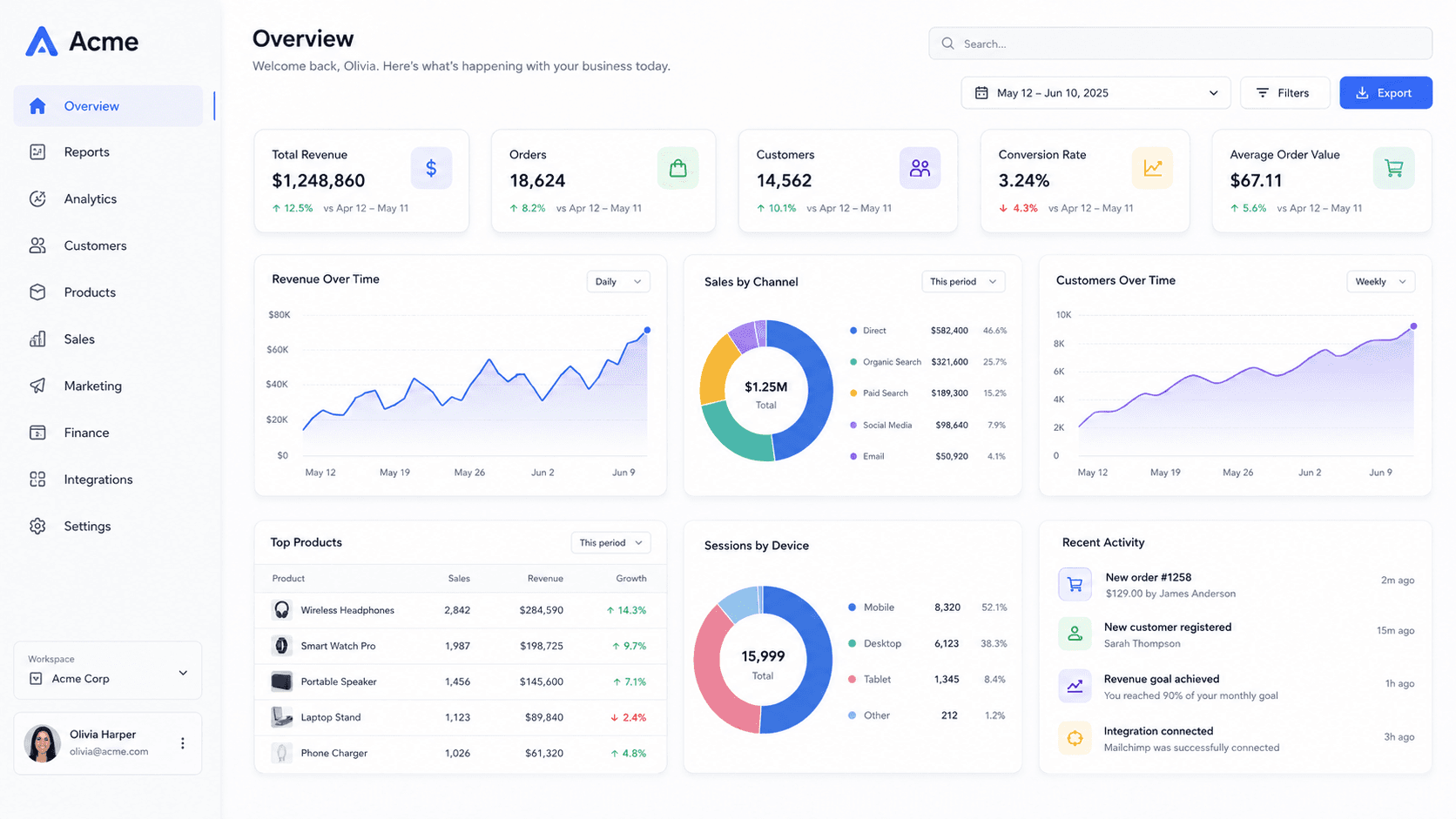
What it does differently
A social share image generator usually composites flat layers: a background, a rectangle, maybe a drop shadow drawn in CSS. That is fine until the shadow falls the wrong way, or the perspective is faked with a skew and the edges of your screenshot go soft.
Here the screenshot is a texture on a plane in a three.js scene. The camera has a real field of view, the blur is a rendered depth-of-field pass rather than a filter, and the shadow is cast by the geometry. When you tilt the mockup, everything that should change does.
The practical upshot: the image reads as a photograph of a screen rather than a screenshot with effects on it, and it holds up at 4K when someone opens it full size.
Every size, without the guesswork
The export menu carries the upload size for each destination — Open Graph cards, X posts and headers, LinkedIn, Instagram, YouTube, Product Hunt, Dribbble, GitHub — so you are choosing where the image is going rather than remembering a number pair.
Pick the destination and the export is framed for it. No cropping afterwards, no discovering that the interesting part of your screenshot sits under the play button.
It runs in your browser
Nothing is uploaded. Your screenshot is decoded, stored locally in your browser's database, and rendered on your own GPU. Close the tab and the work is still there when you come back; clear your site data and it is gone for good.
That also means there is no queue and no per-image cost — the slowest part of making twenty variations is deciding which one you like.
When you want motion instead
A still is not always the strongest post. Pick a Video style and the same scene gets a camera move on a timeline — a slow orbit, a push in, a reveal that settles — and exports as an MP4 up to 4K, frame-accurate, with optional motion blur.
Preview and export come from the same function, so what plays in the editor is what lands in the file.
Common questions
- Is this a social media image maker or a mockup tool?
- Both, in the sense that matters: it makes the image you post, and the subject of that image is a device mockup of your screenshot. If you want to lay out headlines and logos over a photo, a template editor will serve you better.
- Do I need an account?
- No. Open the editor, drop a screenshot in, export. Nothing is stored on a server, so there is nothing to sign into.
- What does the free plan include?
- Unlimited screenshots, every style, frame and template, image export up to 1280 px on the longest side, and 720p MP4 export — all with a small wordmark in the corner. Pro removes the wordmark and unlocks 4K and 60 fps.
- Which browsers does it work in?
- Anything with WebGL2 — current Chrome, Edge, Safari and Firefox. Video export additionally needs WebCodecs, which means Chrome, Edge, or Safari 16.4 and newer.