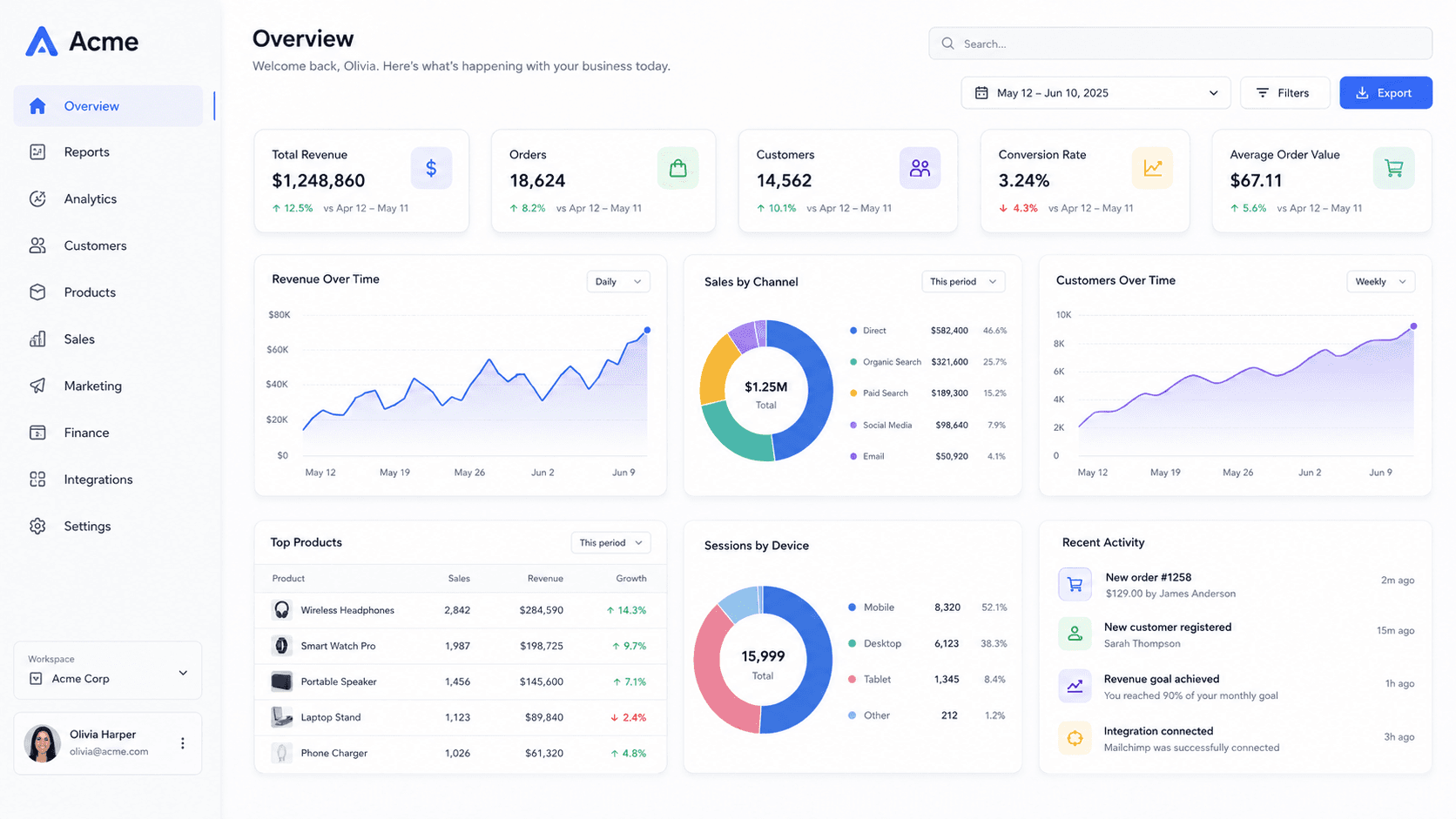
Make it survive the shrink
The single most useful test is to look at your thumbnail at a quarter size before uploading. If the subject is still obvious, it will work everywhere it appears.
Screenshots fail this test more than anything else, because the thing that makes a screenshot informative — lots of small text — is exactly what disappears. Tilt it, fill the frame with it, and use the focus blur to put one region in sharp relief. What survives is a shape and a colour, which is enough for someone to recognise your app.
Leave room for the furniture
YouTube draws a duration badge over the bottom-right corner and, on videos you have already started, a red progress bar along the bottom edge. Both sit on top of your image.
Pan the mockup slightly up and to the left so the interesting part is out from under them. The pan controls in the camera panel do this without changing the framing of the scene.
Channel art and avatars too
The Social sizes in the export menu also carry the profile picture at 800 × 800 and the channel banner at 2560 × 1440. The banner is the awkward one: it is displayed at wildly different crops on TV, desktop and phone, and only the middle 1546 × 423 is guaranteed visible.
Anything you need read — a product name, a shape — belongs in that central strip.
Common questions
- What size is a YouTube thumbnail?
- 1280 × 720, 16:9. YouTube accepts anything down to 640 pixels wide, but 1280 is the recommended upload and the file must be under 2 MB.
- Should the thumbnail have text on it?
- Often, yes — but three or four words at most, and large. This tool does not add text; export the image here and add the words in whatever you already use, or keep the screenshot as the whole story.
- What size is a YouTube profile picture?
- 800 × 800, displayed as a circle. Keep the subject well inside the square or the corners get cut.